
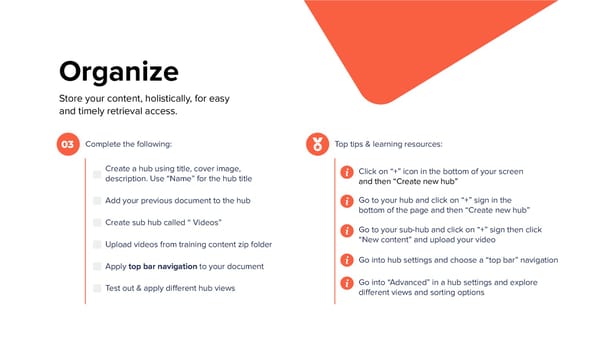
Organize Store your content, holistically, for easy and timely retrieval access. Complete the following: Top tips & learning resources: 03 Create a hub using title, cover image, Click on “+” icon in the bottom of your screen description. Use “Name” for the hub title and then “Create new hub” Go to your hub and click on “+” sign in the Add your previous document to the hub bottom of the page and then “Create new hub” Create sub hub called “ Videos” Go to your sub-hub and click on “+” sign then click “New content” and upload your video Upload videos from training content zip folder Go into hub settings and choose a “top bar” navigation Apply top bar navigation to your document Go into “Advanced” in a hub settings and explore Test out & apply different hub views different views and sorting options
 Interactive Training Workbook Page 7 Page 9