
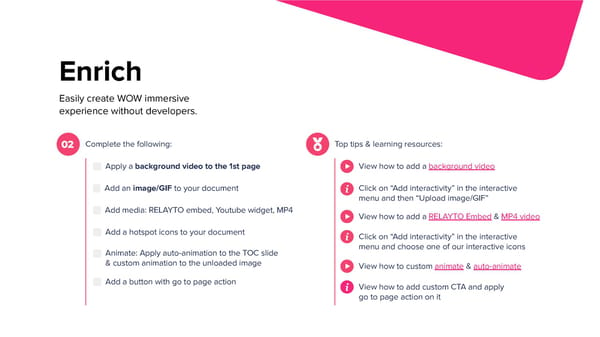
Enrich Easily create WOW immersive experience without developers. Complete the following: Top tips & learning resources: 02 Apply a background video to the 1st page View how to add a background video Click on “Add interactivity” in the interactive Add an image/GIF to your document menu and then “Upload image/GIF” Add media: RELAYTO embed, Youtube widget, MP4 View how to add a RELAYTO Embed & MP4 video Add a hotspot icons to your document Click on “Add interactivity” in the interactive menu and choose one of our interactive icons Animate: Apply auto-animation to the TOC slide & custom animation to the unloaded image View how to custom animate & auto-animate Add a button with go to page action View how to add custom CTA and apply go to page action on it
 Interactive Training Workbook Page 6 Page 8