
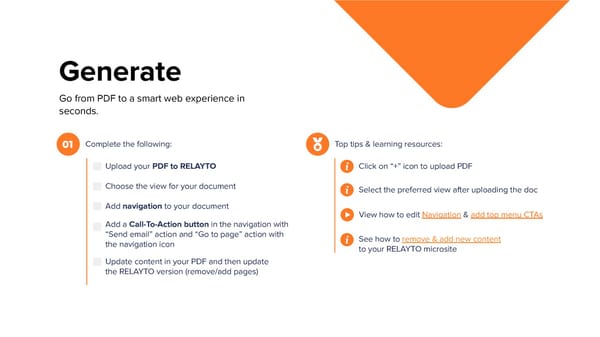
Generate Go from PDF to a smart web experience in seconds. Complete the following: Top tips & learning resources: 01 Upload your PDF to RELAYTO Click on “+” icon to upload PDF Choose the view for your document Select the preferred view after uploading the doc Add navigation to your document View how to edit Navigation & add top menu CTAs Add a Call-To-Action button in the navigation with “Send email” action and “Go to page” action with See how to remove & add new content the navigation icon to your RELAYTO microsite Update content in your PDF and then update the RELAYTO version (remove/add pages)
 Interactive Training Workbook Page 5 Page 7